Website for Hair Salons: Online Booking, Deposits and Rebooking That Fill Your Column
What a hair salon website needs: a clear service menu with from prices, booking by stylist, patch tests, deposits, a searchable portfolio and local SEO that brings clients in.
 By Bo
4 min read
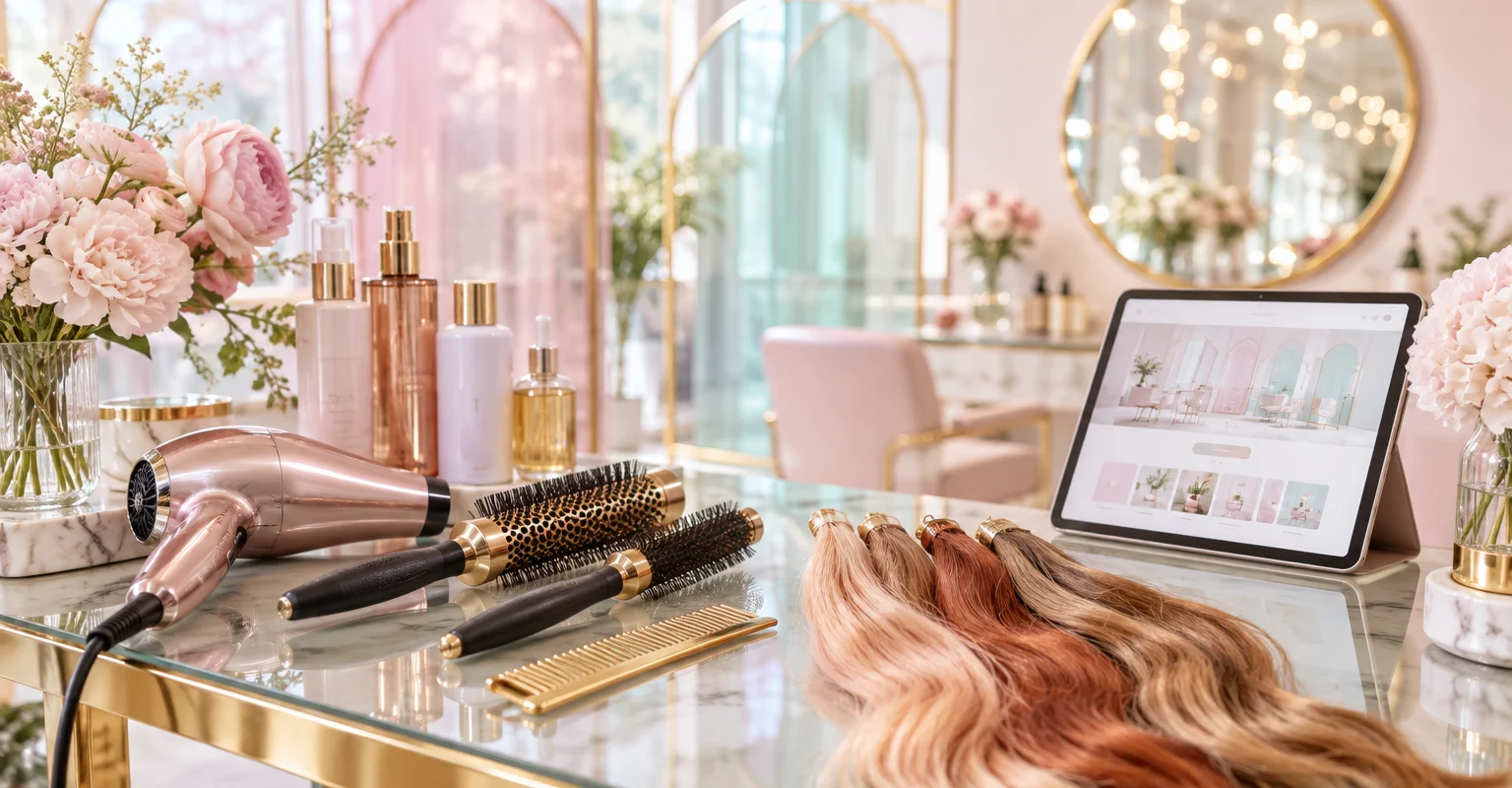
You are mid-colour, foils in, and your phone lights up again: “How much is a balayage?”, “Can you fit me in Friday?”, “Do you do curly cuts?”. Every message you answer later is a client who might book somewhere else first. A good salon website answers those questions for you and fills your column while you work. Here is what it needs to do.
Why a website still matters when you have Instagram
Instagram shows off your work. But when someone is ready to book, they search: “hair salon near me”, “balayage” plus their town, “curly hair specialist”. They want prices, real availability and proof you are good at the thing they want, all in one place. Your website is that place, and unlike a social profile, you own it.

7 things that turn visitors into bookings
A service menu with “from” prices and timings
List each service with a starting price and roughly how long it takes: “Balayage, from 3 hours, price depends on length and thickness”. A “from” price is honest about variation and still stops people bouncing off to a salon that shows a number.
Online booking by stylist and service
Clients pick the service, choose their favourite stylist (or “anyone”) and see real free slots. Long colour appointments block the right amount of time automatically, so you never end up with a two-hour job squeezed into a 45-minute gap.
Patch tests and consultations built into booking
New colour clients can book a patch test or a free consultation first, with the colour appointment following after the right gap. It protects your clients, saves awkward chair-side conversations and makes big colour jobs feel safe to book.
Deposits and a kind, clear cancellation policy
A no-show on a long colour slot is half a day’s takings gone. A deposit for longer services, plus a friendly policy written in plain words, cuts no-shows without making you sound strict.
A real portfolio, organised by what people search for
Before-and-after photos sorted into balayage, blonde, curly cuts, bridal and so on. People book the stylist whose photos look like the hair they want, so make them easy to find. Pull your best Instagram shots onto the site rather than only linking away.
Automatic reminders and rebooking messages
A confirmation straight away, a reminder the day before, and a “time for your root touch-up?” message about six weeks later. Once set up, these run on their own, and the rebooking message alone brings back clients who simply forgot. (This is what workflow automation is made for.)
Local SEO so nearby clients find you
Mention your town or neighbourhood naturally, complete your Google Business profile with photos and opening hours, and ask happy clients for reviews there. Give your main services their own sections so they can appear for searches like “balayage” plus your area.
Quick check: is your site doing its job?
- Can a new visitor see your prices within ten seconds on their phone?
- Can they book their stylist without messaging you?
- Can new colour clients book a patch test or consultation online?
- Do reminders and rebooking messages go out without you sending them?
- Does your Google profile link to your booking page?
If you ticked fewer than three, your site is probably costing you bookings. These 5 signs your website is losing you clients go deeper, and Hair Trends 2027 shows what your clients will be asking for next year.
Nice extras once the basics work
- Gift vouchers people can buy online, which is especially useful before the holidays.
- Retail products clients can reorder between visits.
- An AI assistant trained on your FAQs to answer “How long does a balayage take?” or “Is there parking?” at any hour. See AI assistants.
- Aftercare pages with the tips you already give in the chair, which also help you show up in search.
Questions
Does a hair salon need a website if it has Instagram?
If you want new clients beyond your followers, yes. A website gives searchers your prices, availability and booking in one place, and it is where your Google profile and social posts should point.
Should a salon show prices online?
In most cases, yes. “From” prices with a short note on what changes the final cost reduce back-and-forth messages and help the right clients book with confidence.
Should salons take deposits?
A deposit for longer services such as colour or extensions is a common way to reduce no-shows. Pair it with a clear, friendly cancellation policy shown at booking.
How much does a salon website cost?
It depends on what it needs to do. See my guide to small business website costs for typical ranges, or my fixed web design packages.
This article is general guidance about websites and booking for hair salons. Check the patch-test, privacy and consumer rules that apply where you work.
Work with Bea: Soft, fast WordPress sites with a shop, blog or both. See web design →
Written by Bo
Web designer, automation and AI consultant, and the person behind Bea Elea.
Keep reading

Website for Yoga Teachers: Class Schedules, Class Packs and Memberships in One Place

Website for Massage Therapists: Booking, Intake Forms and Reminders That Fill Your Table

How Much Does a Small Business Website Cost in 2027? An Honest Breakdown
A little Sunday letter
One calm email a week: new posts, a recipe, and what I'm building.
✦ Let’s talk
Join the conversation
I read every comment. Share your thoughts, your experience or a question — kindness always welcome.
No comments yet. Be the first to share your thoughts ♡